


Table of Contents
The My Account section of Creativehaus is your central hub to manage purchases, subscriptions, personal details, and support. Once logged in, you will find the “My Account” link at the top left of the website.
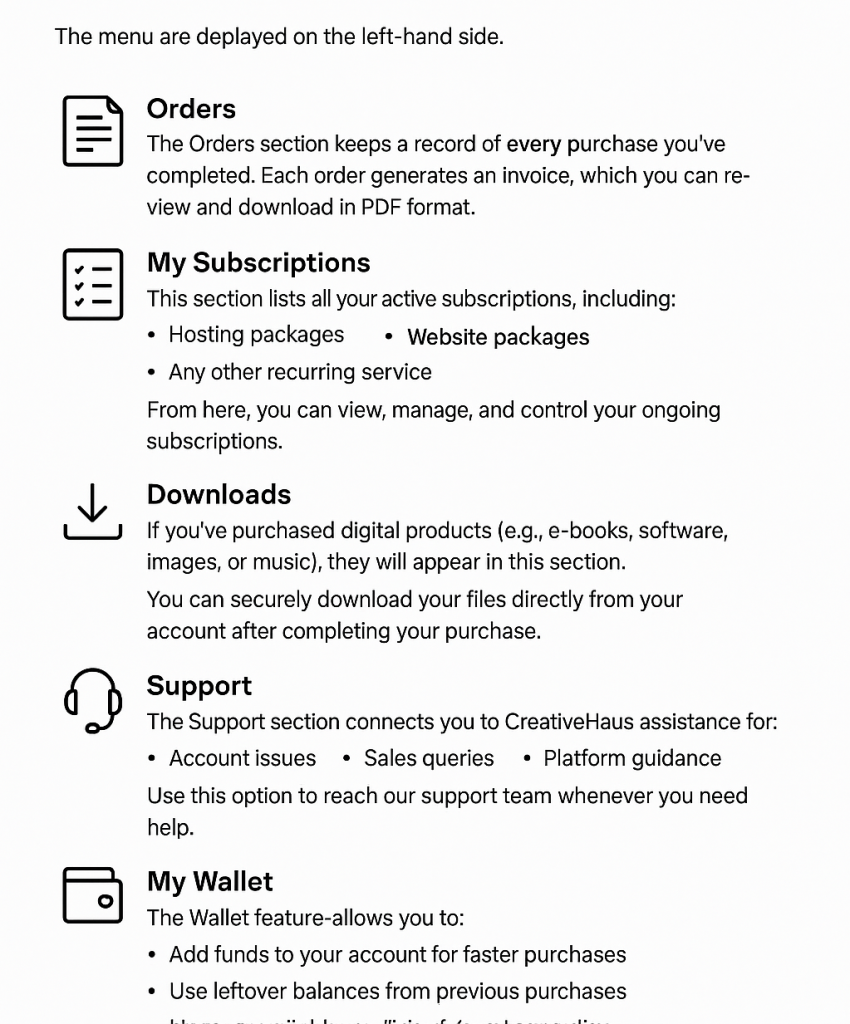
On the My Account page, the navigation menu is displayed on the left-hand side, with the following options:
1. Orders #
- The Orders section keeps a record of every purchase you’ve completed.
- Each order generates an invoice, which you can view and download in PDF format.
- This helps you track your purchase history for billing or accounting purposes.
2. My Subscriptions #
- This section lists all your active subscriptions, including:
- Hosting packages
- Website packages
- Any other recurring service
- From here, you can view, manage, and control your ongoing subscriptions.
3. Downloads #
- If you’ve purchased digital products (e.g., e-books, software, images, or music), they will appear in this section.
- You can securely download your files directly from your account after completing your purchase.
4. Support #
- The Support section connects you to Creativehaus assistance for:
- Account issues
- Sales queries
- Platform guidance
- Use this option to reach our support team whenever you need help.
5. Addresses & Account Details #
- This section contains your personal information.
- You can update your:
- Billing and shipping addresses
- Contact details
- Account preferences
6. My Wallet #
- The Wallet feature allows you to:
- Add funds to your account for faster purchases
- Use leftover balances from previous purchases
- Manage available credit for future transactions
7. Logout #
- At the bottom of the menu, you will find the Logout option.
- This ensures secure sign-out after managing your account.
✅ Tip: Always check your Orders and Subscriptions sections to stay updated with billing cycles, renewals, and invoices.


